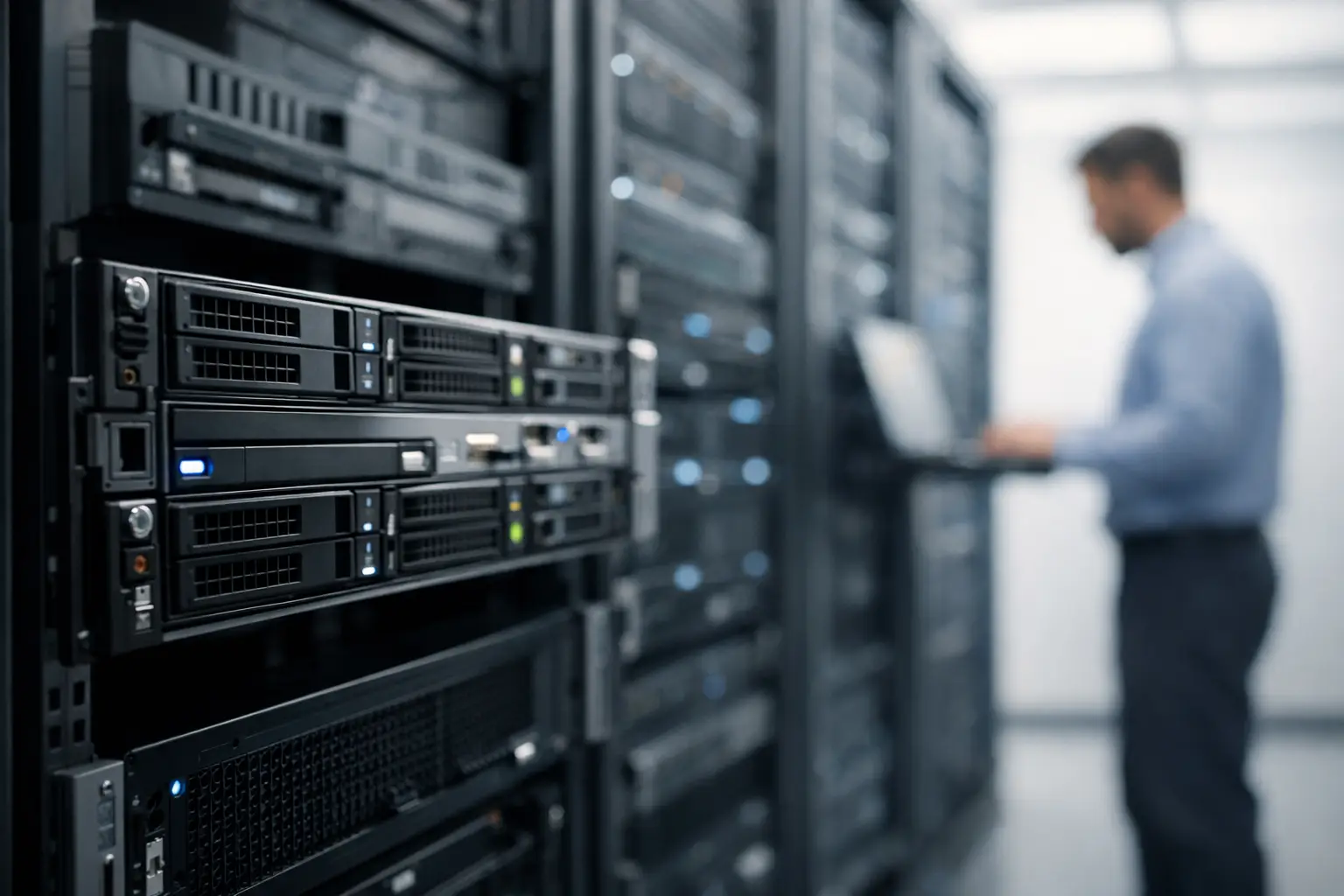
A busy database rarely fails because it needs another marketing term. It fails because storage latency rises, noisy neighbors consume shared resources, or an application has outgrown the limits of a virtual machine. Bare metal gives a business direct access to dedicated physical server hardware, making it a practical option when consistent performance, isolation, and control matter more than the lowest monthly price.
For many workloads, a cloud VPS remains the right starting point. It is affordable, flexible, and easier to scale for websites, development environments, and moderate application traffic. But there is a clear point where a dedicated server becomes the better operational choice. Understanding that point helps prevent both overbuying infrastructure and running a growing service on resources that no longer fit.
What Bare Metal Actually Provides
A bare metal server is a physical server assigned to one customer. Unlike a VPS, where multiple virtual servers run on a shared hardware host, the customer has the full machine's CPU, memory, storage, and network capacity available for their own environment.
This does not mean a dedicated server is automatically faster for every task. A small WordPress site, brochure site, or lightly used internal application may see no meaningful benefit from moving off shared hosting or a properly sized VPS. The advantage appears when workloads are sustained, resource-intensive, sensitive to latency, or difficult to predict.
Dedicated hardware also gives administrators more freedom in how they configure the server. You can select the operating system, organize storage volumes, tune database settings, configure firewalls, and allocate resources without accommodating other tenants on the same host. Linux is a common choice for web stacks, containers, databases, and application servers. Windows dedicated servers can be appropriate for workloads that require Microsoft applications, IIS, Remote Desktop services, or Windows-specific business software.
That control comes with responsibility. Bare metal is infrastructure, not a finished website platform. Someone still needs to handle operating system updates, service configuration, backups, monitoring, access controls, and incident response unless those responsibilities are included in a managed service arrangement.
When a Bare Metal Server Is the Right Fit
The strongest case for dedicated hardware is usually a workload with a measurable resource constraint. High CPU usage, memory pressure, slow disk operations, inconsistent response times, or unusually high network demand are all signs worth investigating. Before migrating, review actual monitoring data rather than assuming that every performance complaint requires a larger server.
Databases are a common example. A transactional ecommerce database, analytics platform, game backend, or SaaS application may need predictable memory availability and fast SSD storage to maintain acceptable response times. On a shared virtual environment, performance can vary with host-level activity even when the VPS itself is configured correctly. Dedicated resources reduce that variable.
Bare metal can also suit applications with steady, heavy compute requirements. Video processing, large build pipelines, data indexing, machine learning preparation, virtualization labs, and high-traffic API services can consume CPU and RAM for long periods. These workloads are often poorly matched to entry-level infrastructure because their demand is not occasional. It is continuous.
Agencies and hosting resellers may use a dedicated server when their customer base has expanded beyond a single shared or reseller account. A properly planned cPanel environment can support multiple sites and customer accounts while keeping administration in one place. The key is capacity planning: customer count alone does not determine server size. PHP workers, database activity, email volume, backups, and application behavior all affect the required hardware.
Some customers choose bare metal for isolation rather than raw speed. A business handling proprietary data, operating a regulated application, or maintaining strict internal access requirements may prefer a server that is not virtualized alongside unrelated customers. Dedicated hardware does not replace sound security practices, but it can simplify the infrastructure boundary.
Start With the Workload, Not the Server Label
A server specification should follow the application profile. Buying the largest available configuration without understanding the workload can create unnecessary monthly cost and still leave the real bottleneck unresolved.
CPU selection matters most when the application performs frequent calculations, compiles code, renders media, runs many concurrent processes, or handles high request volume. More cores can help parallel workloads, but single-thread performance may matter more for certain databases and older applications. Check whether the software benefits from more threads or from faster per-core performance.
Memory is often the limiting resource for databases, caching layers, Java applications, busy control panels, and multiple-container deployments. When RAM runs short, the operating system may swap to disk, causing a major performance drop even on SSD storage. Leave room for operating system services, monitoring agents, database caches, and traffic spikes instead of sizing memory only for average usage.
Storage should be selected based on both capacity and input/output demand. SSD-backed servers are a sensible baseline for active websites and applications because they improve the responsiveness of database queries, file access, and operating system operations. For large datasets, also consider how backups will be stored and restored. A server with enough local disk for production data but no backup plan is not fully provisioned.
Network location deserves the same attention. Placing a server closer to primary users can reduce latency, which is valuable for interactive applications, ecommerce checkout flows, APIs, and administrative tools. A US business serving East Coast customers may prioritize New York City or Miami, while a service with users in the central or western United States may evaluate Dallas, Seattle, or Los Angeles. London and Amsterdam can be useful choices when an application serves European customers or needs regional proximity.
The Operational Trade-Offs of Dedicated Hardware
Bare metal offers consistency, but it is usually less elastic than a VPS. A virtual server can often be resized quickly when requirements change. A dedicated server is tied to a specific hardware configuration, so significant upgrades may require a migration, additional hardware, or a planned maintenance window.
Cost is another practical consideration. A VPS can deliver excellent value for a small application because it uses only the resources required today. Dedicated servers make more sense when the value of performance consistency, resource isolation, or higher sustained capacity outweighs the added monthly expense. For a startup, that decision may happen after product-market traction. For an established ecommerce business, it may happen before a seasonal traffic event exposes the limits of a smaller environment.
Administration is also more involved. Shared hosting with cPanel is designed for website owners who need email, SSL, files, databases, and WordPress tools without maintaining a server. A VPS provides more control while preserving a lower-cost entry point. Bare metal is appropriate when you have the technical capability to administer it, a managed support arrangement, or a clear operational reason to take on that responsibility.
Security needs to be planned from the first day. Use key-based SSH access where possible, restrict administrative access, keep the operating system and application stack patched, configure a firewall, and maintain tested backups. DDoS protection is useful at the network layer, but it does not replace secure application code, strong credentials, malware monitoring, or recovery procedures.
A Practical Migration Approach
Moving a production workload to a dedicated server should be treated as a controlled project, not a late-night DNS change. Begin by documenting the current environment: operating system version, web server, database engine, PHP or runtime versions, scheduled jobs, SSL certificates, firewall rules, storage use, and traffic patterns. This inventory prevents small dependencies from becoming launch-day problems.
Build the new server before the cutover. Apply updates, install the application stack, configure monitoring, create backups, and test performance with a copy of the workload where possible. If the application depends on email delivery, third-party APIs, object storage, or IP allowlists, test those integrations from the new server as well.
During migration, reduce the chance of data loss by planning how database changes will be synchronized. A low-traffic maintenance window may be enough for a smaller site. A busy application may need replication or a final incremental data transfer before traffic is switched. Lower DNS time-to-live settings in advance when a DNS-based cutover is part of the plan.
After launch, monitor resource use rather than declaring success based only on whether the site loads. Review CPU load, memory consumption, disk latency, database slow queries, error logs, and network patterns during normal traffic and peak periods. This is where a dedicated server becomes useful as an operating platform, not just a larger box.
Owned-Networks supports a practical path from shared cPanel hosting and KVM VPS plans to dedicated infrastructure, allowing a workload to move when its requirements justify the change rather than forcing an early jump to enterprise-scale hardware.
The right server is the one that leaves enough capacity for real growth while staying understandable and supportable by the people responsible for it. Measure the workload, choose the location and hardware around those measurements, and keep a tested recovery plan beside every performance plan.